Liru features
For interior designers
Client portal, presentations, budget, products, brief, moodboards, notes, shopping list and decision history in one tool for interior designers.
01 / Portal and decisions
Client portal and decisions
Features related to what the client sees, how they make decisions, and how approvals are recorded.
Project
Alpine Monolith Residence
Client Portal
One place where the client sees the entire project and makes decisions. No login required.
Decision history
Decision History
Every approval, change, and comment logged with date and context.
To approve
Cost estimate awaiting your decision
Client Decision Reminders
Liru pings the client when a decision stays pending too long in the portal.
Olga Franecki Design
Client portal branding
Client Portal Branding
Your logo, photos, and studio identity.
02 / Products and budget
Products, budget, and shopping
Everything that helps collect products, organize them, calculate the cost estimate, and move toward shopping lists and orders.
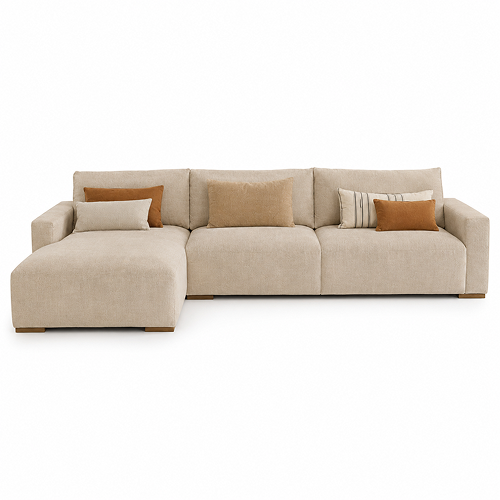
Linen Modular Sectional Sofa
EUR 4,850
Bolia
Chrome Extension
Product from store to project. No copying.
Wishlist · Living room
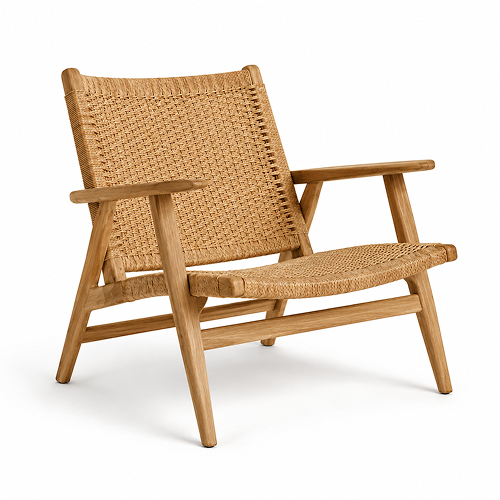
Oak Lounge Chair – Natural Rope Weave
Audo Copenhagen
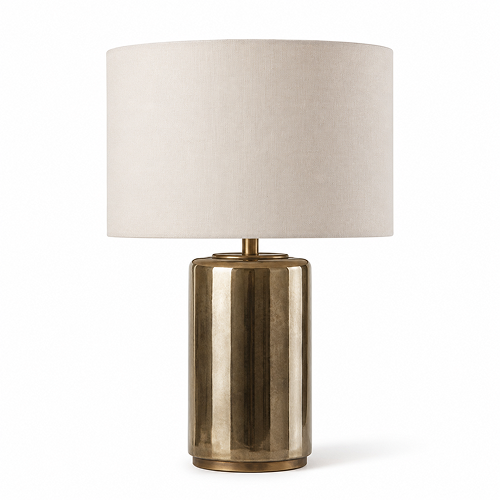
Table Lamp – Brass Base
Astro Lighting
Product Wishlist
Reusable product bases for future shopping lists.
Auto-recognized
Linen Modular Sectional Sofa
ProductAutomatic product categorization
Products land in the right room classes from the start.
Cost estimate
€18,920Oak Lounge Chair – Natural Rope Weave To orderEUR 1,290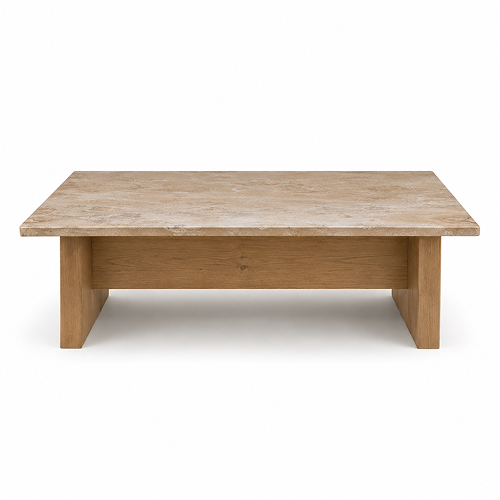 Travertine Coffee Table OrderedEUR 1,180
Live Budget
One cost estimate. From first assumptions to final payment.
Shopping list
Shopping List
Auto-generated from approved products.
03 / Project organization
Project organization
Views and tools that help run the project through rooms, tasks, deadlines, and work stages.
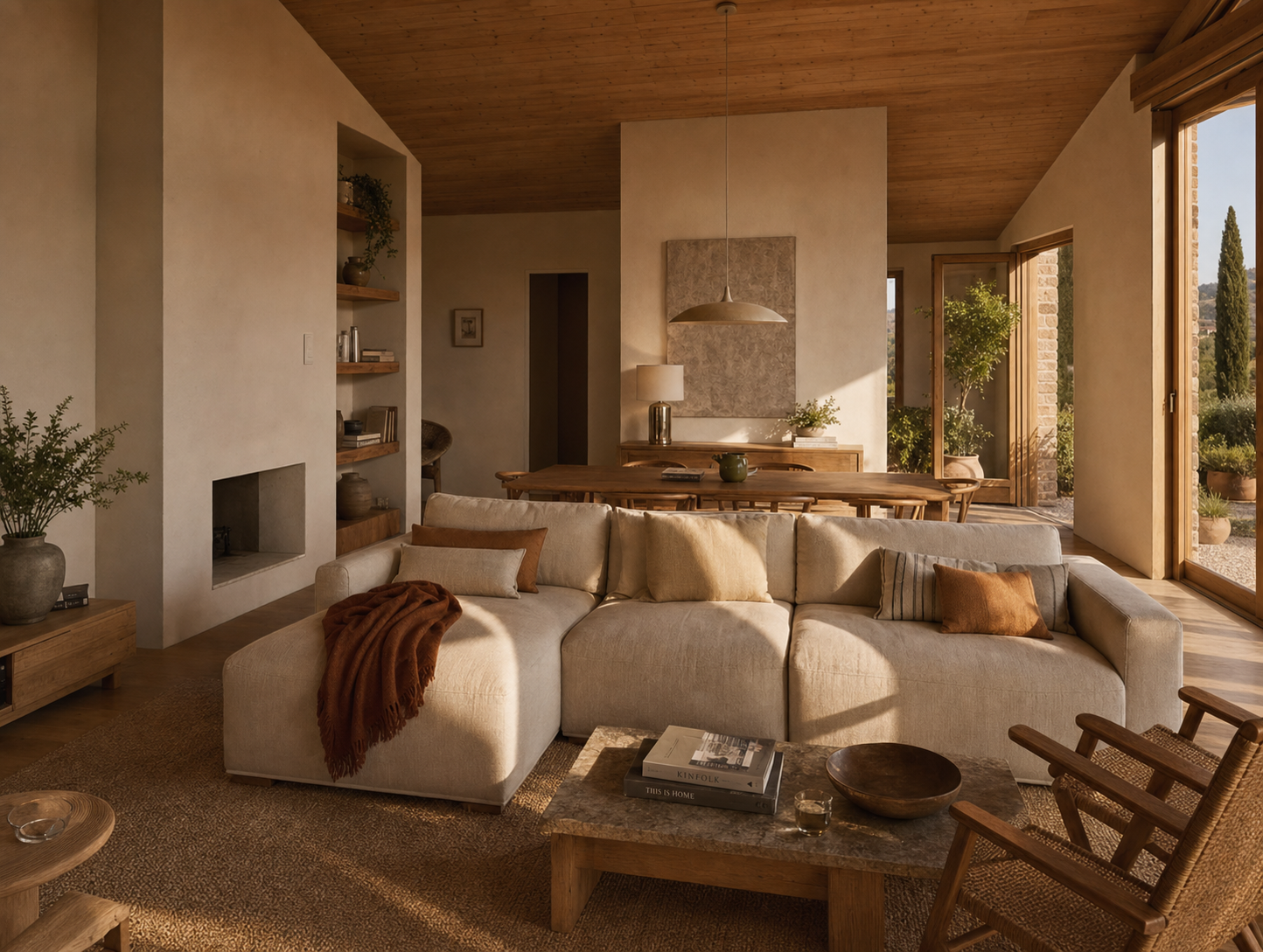
Living Room
Multi-Room Management
Every room has its own story. Liru keeps them all straight.
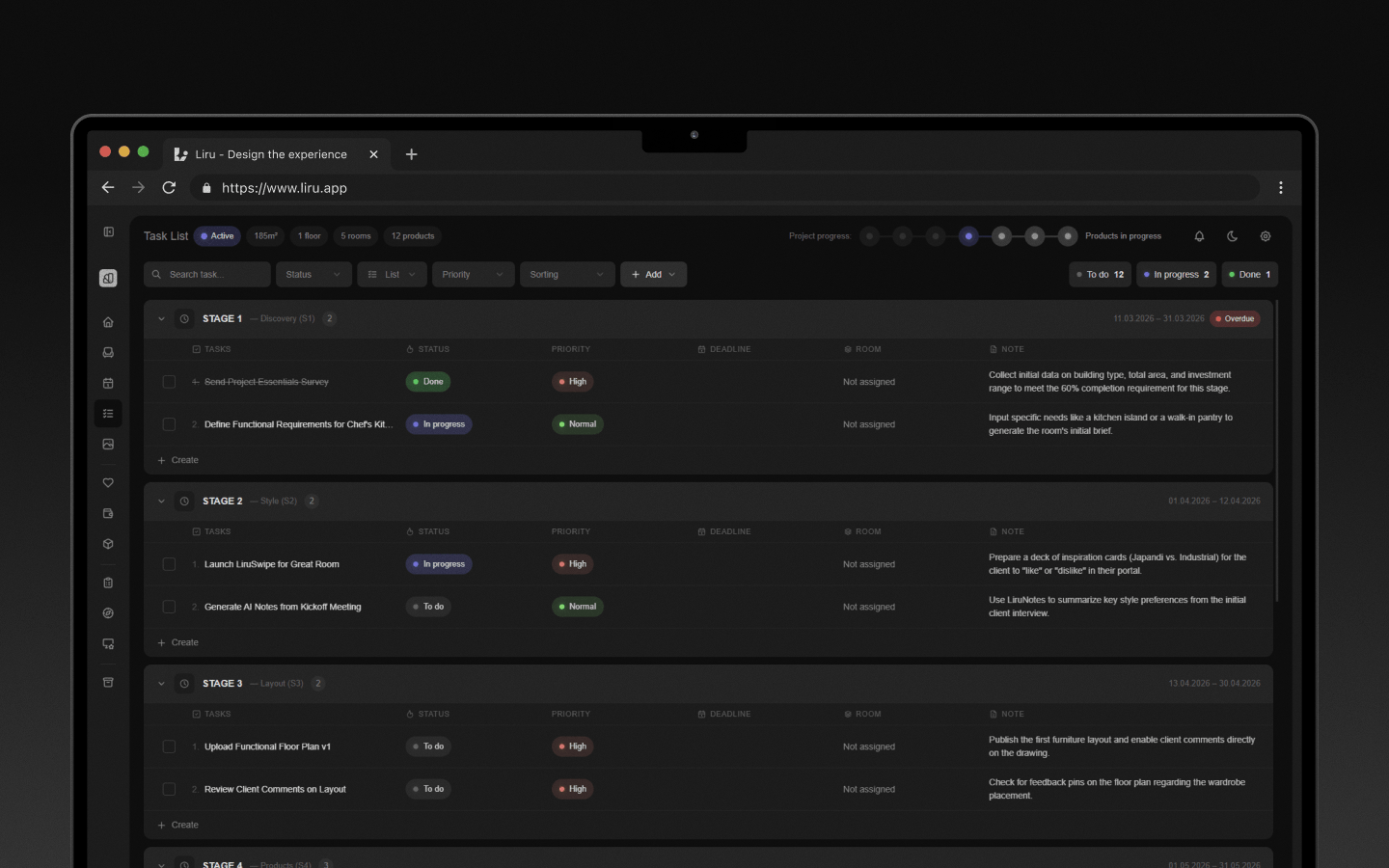
Tasks
Tasks & Calendar
See what needs doing. Know when it’s due.
Studio Collaboration
Coordinate design work inside a shared studio workspace.
Olga Franecki
OwnerTom Werner
ExternalProject Sharing in Pro
Two Pro designers can share a project without a Studio account.
04 / Automation
Automation
Features that reduce manual work: organizing notes and extracting data.
05 / Project brief
Project brief
Two separate briefs help you understand client requirements fast: first project-level details, then the functionality of every room.
Which kitchen layout do you prefer?
Project Details
Project-level requirements without Google Forms or spreadsheets.
How important are natural materials?
Room Functionality
Deeper functional requirements for every room.
06 / Style direction
Style direction
Tools that help clients show aesthetic preferences through inspirations, moodboards, and fast visual choices.
Moodboard · Living room
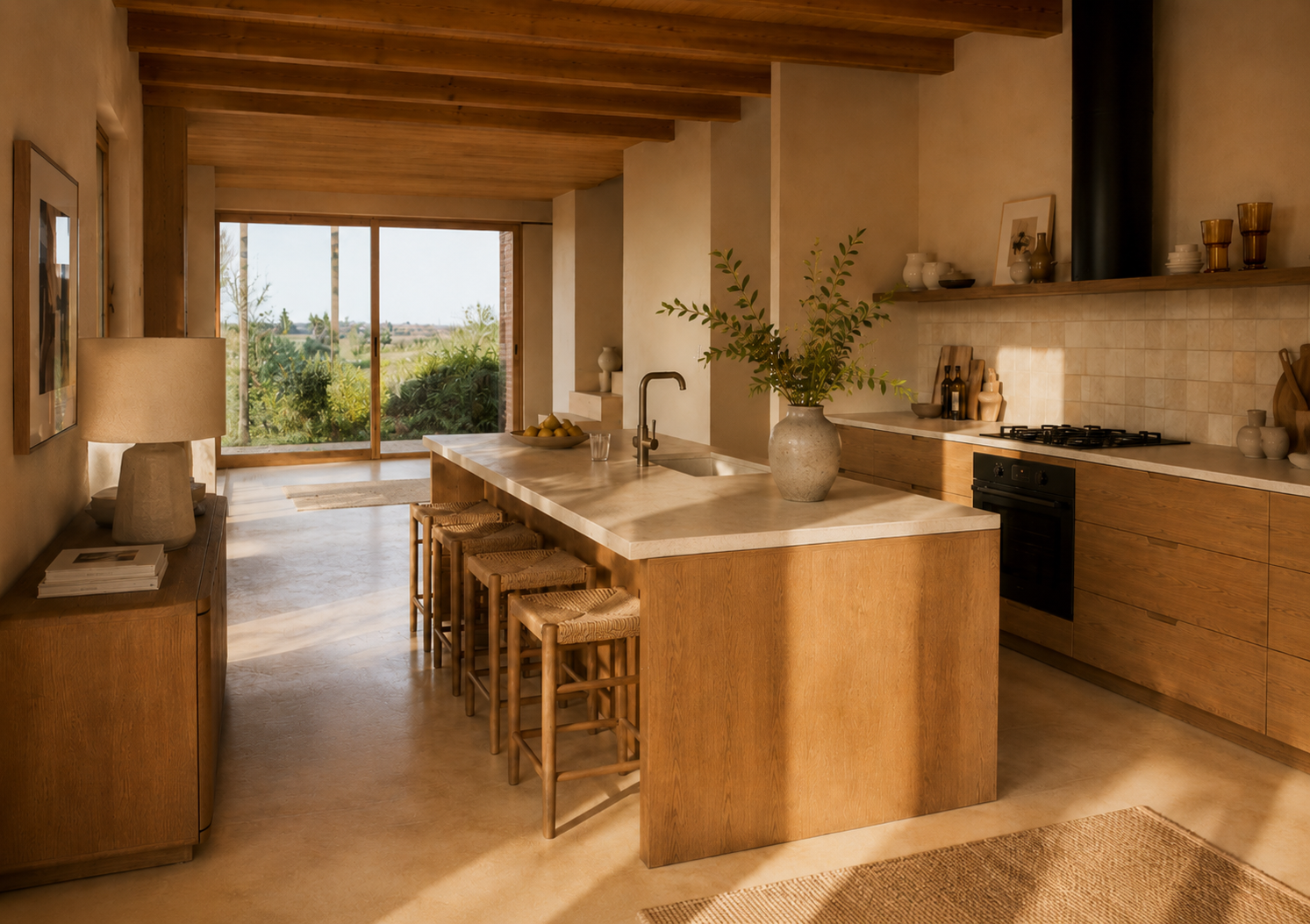
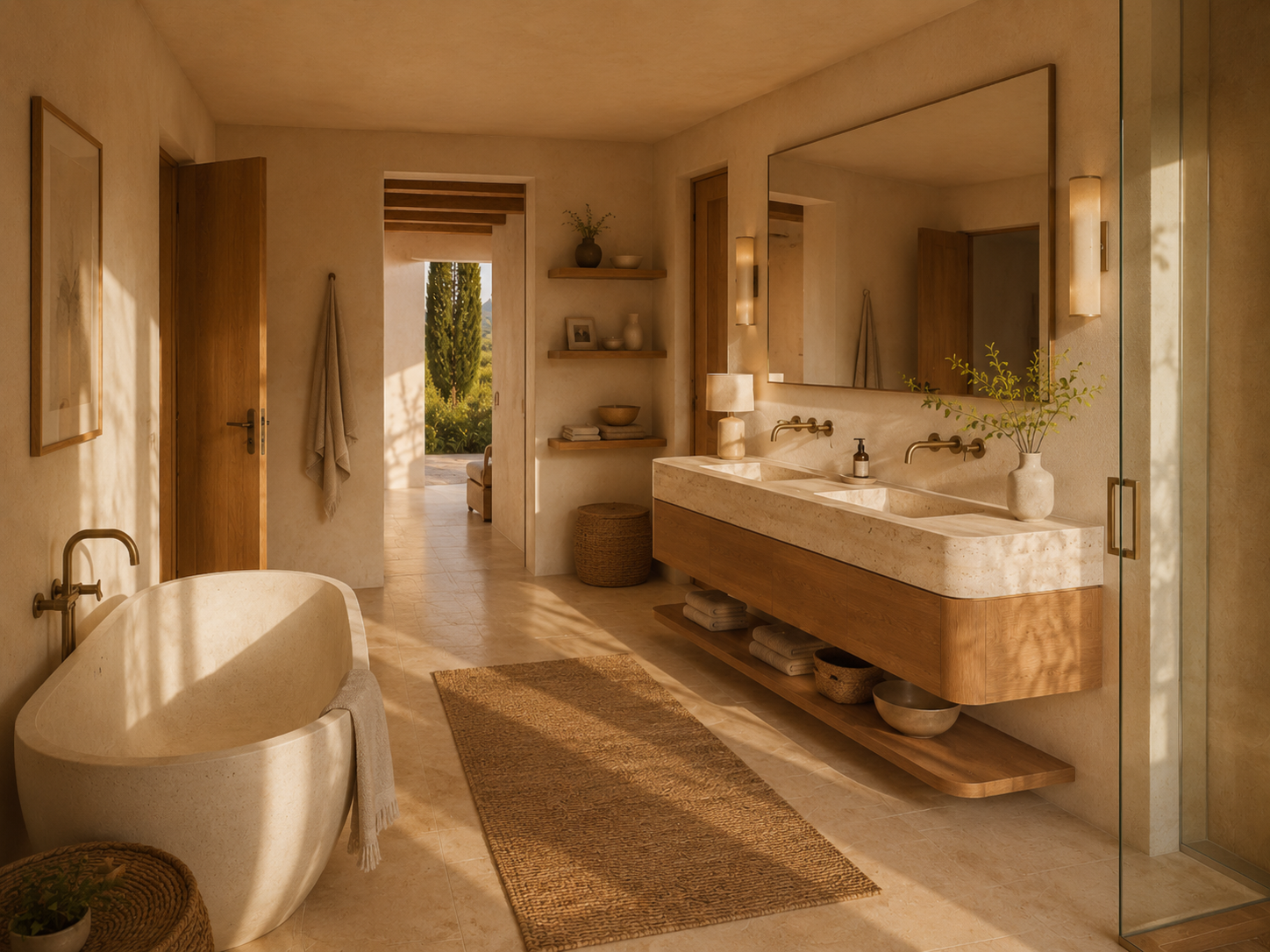
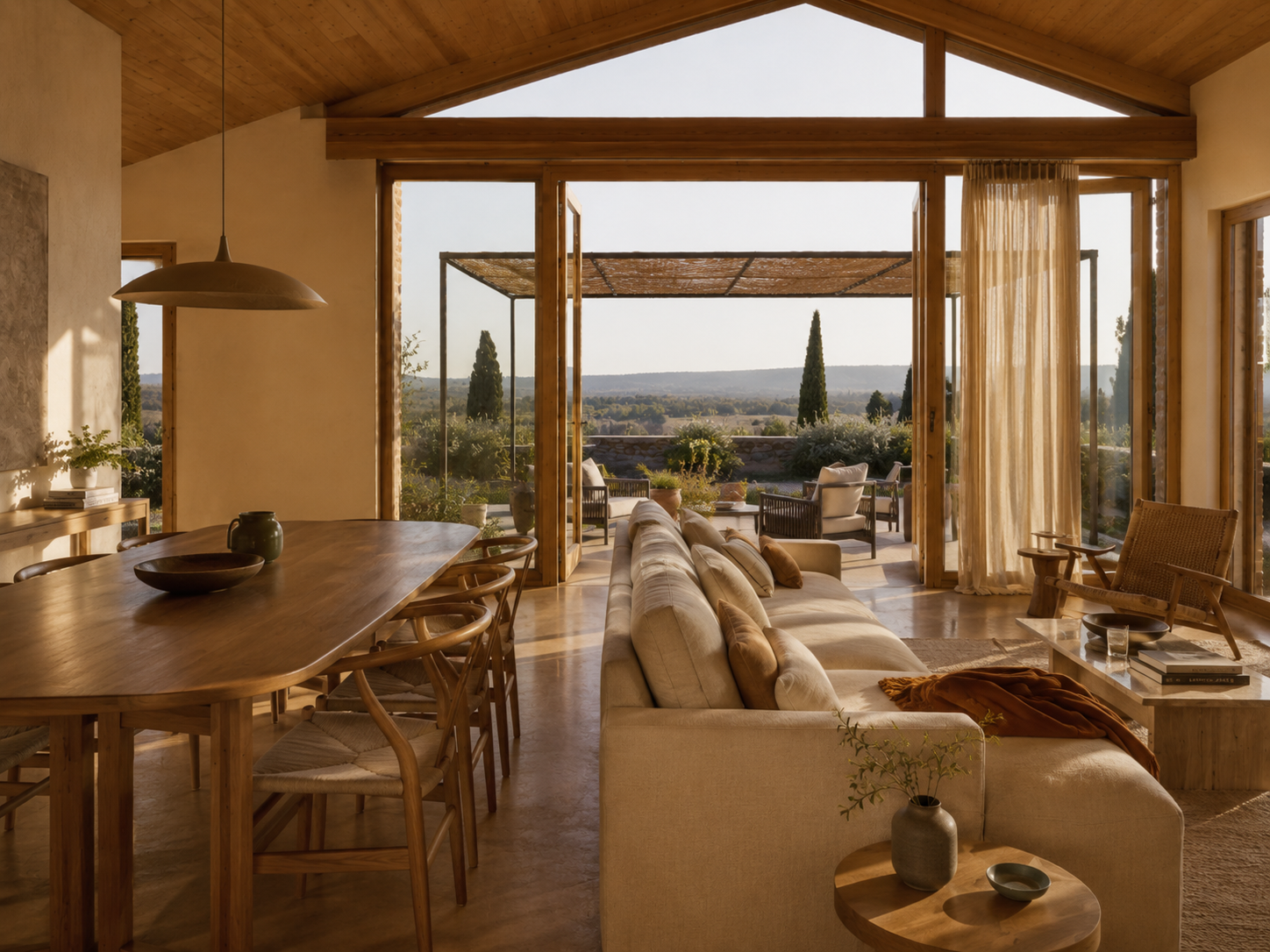
Inspiration Moodboard
Aesthetic preferences assigned to specific rooms.
Style Quiz
An interactive inspiration review that quickly reveals preferred styles.
LikeLiruSwipe
A fast way to discover your client's style preferences.
07 / Concept presentation
Concept presentation
Three presentation types guide the client from the functional layout through visualizations to product approvals.
Functional layout
Functional Layout
Floor plans with descriptions, advantages, and limitations for every variant.
Visualization Presentation
Ready room visualizations that clients approve or comment on.
Product presentation
Linen Modular Sectional Sofa
EUR 4,850
Oak Lounge Chair – Natural Rope Weave
EUR 1,290
Product Presentation
Furniture and product variants that clients choose and approve.
Other
Other features
Features that are not yet assigned to a specific workflow category.