Chrome extension
for interior designers
From a store page straight into the project. No copying.
The Liru Chrome extension saves the product name, price, image, link and available technical data. Choose the project, room, wishlist or budget version, and the product lands in the right place.
Add extension to Chrome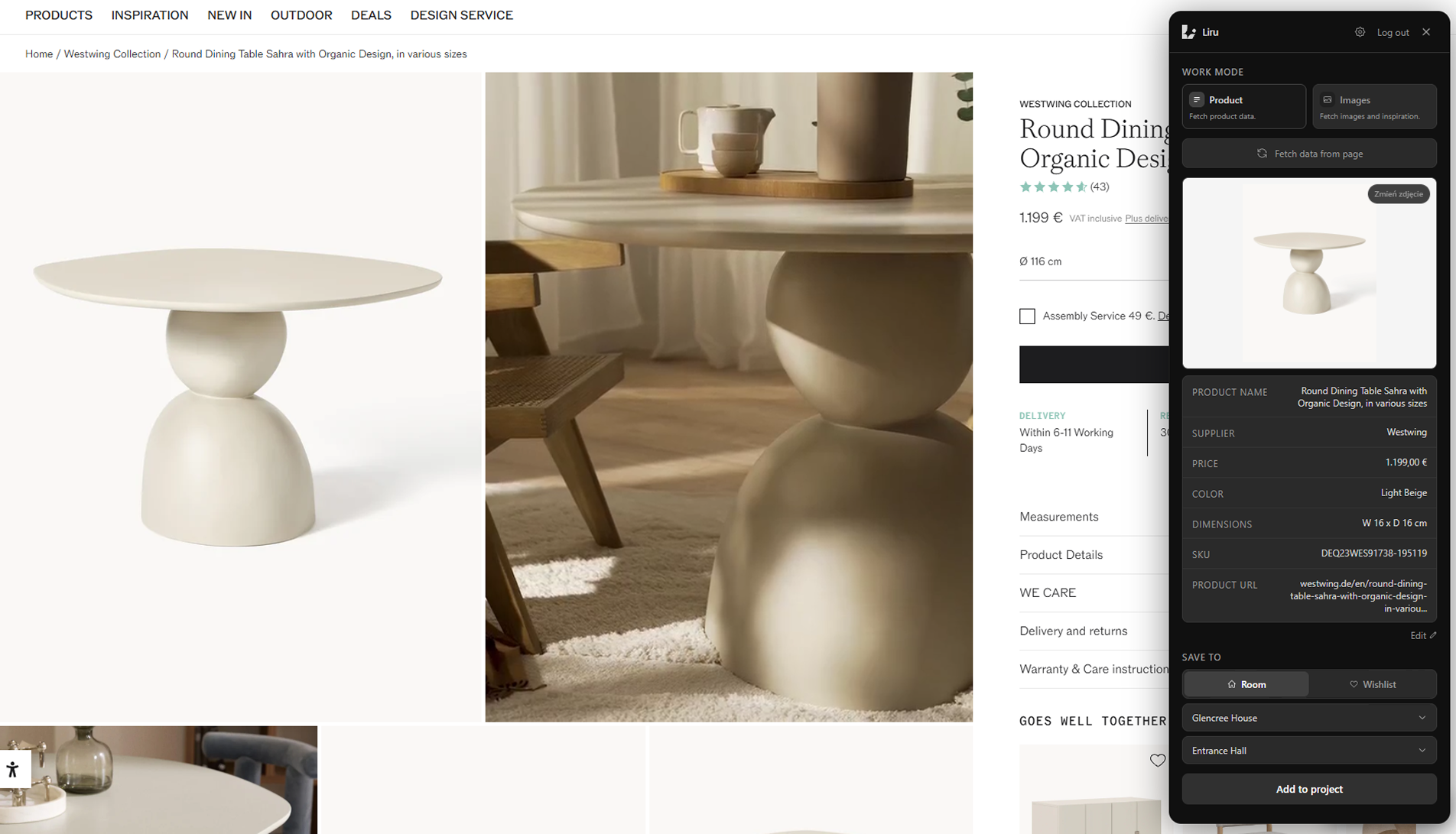
Two extension modes
The Liru extension saves what you find online in one click. Choose the mode: a full product for your estimate, or an image for your moodboard.
Product
When you want to save a specific item to a project, estimate, or wishlist. Liru captures the image, price, link, and available technical details.
Liru Extension
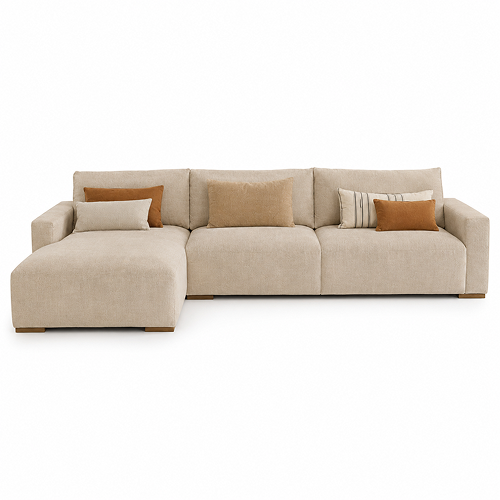
Linen Modular Sectional Sofa
€4,850
image · link · dimensions · material
Save to
Inspiration
When you want to save an image to a moodboard, inspiration gallery, or LiruSwipe without creating a budget item.
Liru Extension


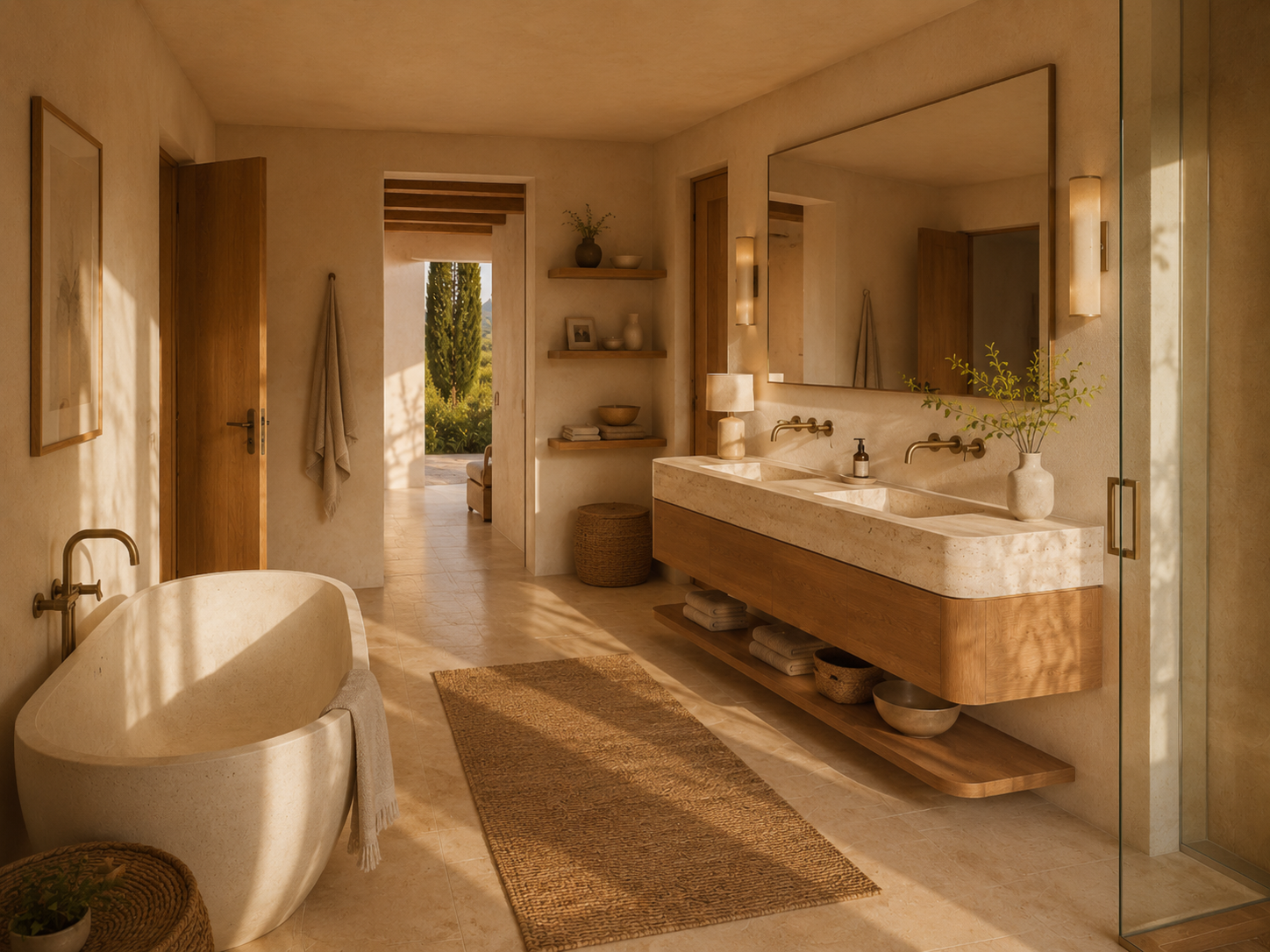

4 selected images
Save to
You save products.
Liru turns them into a clear choice.
Liru automatically recognizes the product type and category. You connect similar models as variants of one item, and the client compares them in one place before choosing the right option.
Automatic order
Liru recognizes the product group, category and type, so saved items land in the right place immediately.
Product details
Product name
Price
Category
Product type
Supplier / Brand
Main product and variants
Attach concrete store models to one main product. The client compares images, prices and materials, then chooses one option.
Products in the room
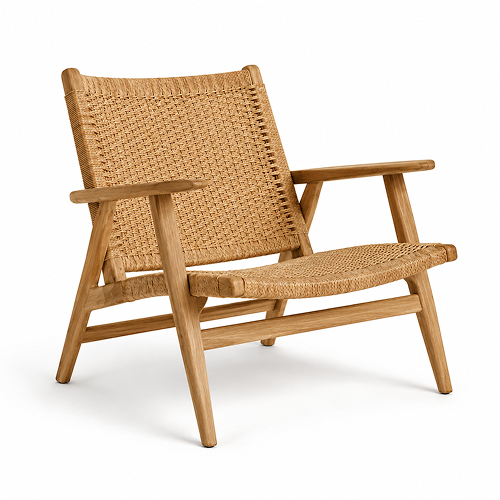
Oak Lounge Chair – Natural Rope Weave
Audo Copenhagen
€1,290
Linen Modular Sectional Sofa
Bolia
€4,850
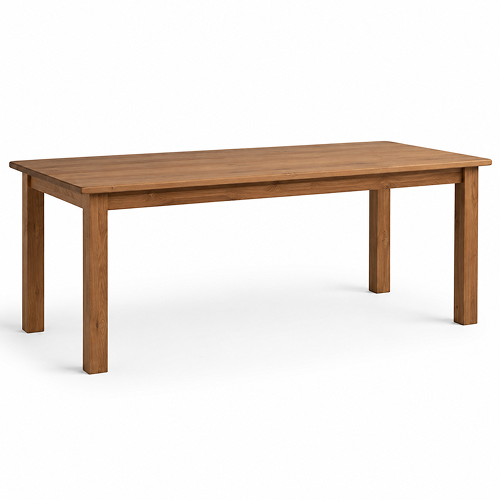
Solid Oak Dining Table
Kave Home
€2,650
From store page to project in four steps
01
Browse a store
Open a product page or inspiration page.
02
Choose a mode
Save a full product or only selected images.
03
Review the data
Verify the captured name, price, image, link and available parameters.
04
Choose destination
Add the product to a project, room, wishlist or budget version. Liru helps assign it to the right class.
One save starts the next process
A product saved through the extension does not become another loose link. It can move straight into the next project stages.
You do not download images, copy prices or rewrite parameters between the store, spreadsheet and presentation.
Stop moving products manually.
Add the Liru extension to Chrome and save products and inspiration directly into your active projects.
Add extension to ChromeFrom the blog
Jun 18, 2026
How to Add Products From Any Shop Without Copying Images, Prices, and Links
How product sourcing changes when the extension captures product data directly into the project.
Read articleJun 18, 2026
How to Track Product Price Changes During a Project
Why product prices drift during long projects and how to keep budget decisions connected to current data.
Read articleJun 18, 2026
Liru vs PDF, Excel, and Email
PDFs present the project, Excel counts the budget, and email carries decisions. Liru connects the whole process in one workspace.
Read articleMar 7, 2026
Best Interior Design Project Management Tools in 2026
A honest comparison of project management tools built for (or adapted to) interior design workflows.
Read article