Project Details for interior designers
Project-level requirements without Google Forms or spreadsheets.
Sign up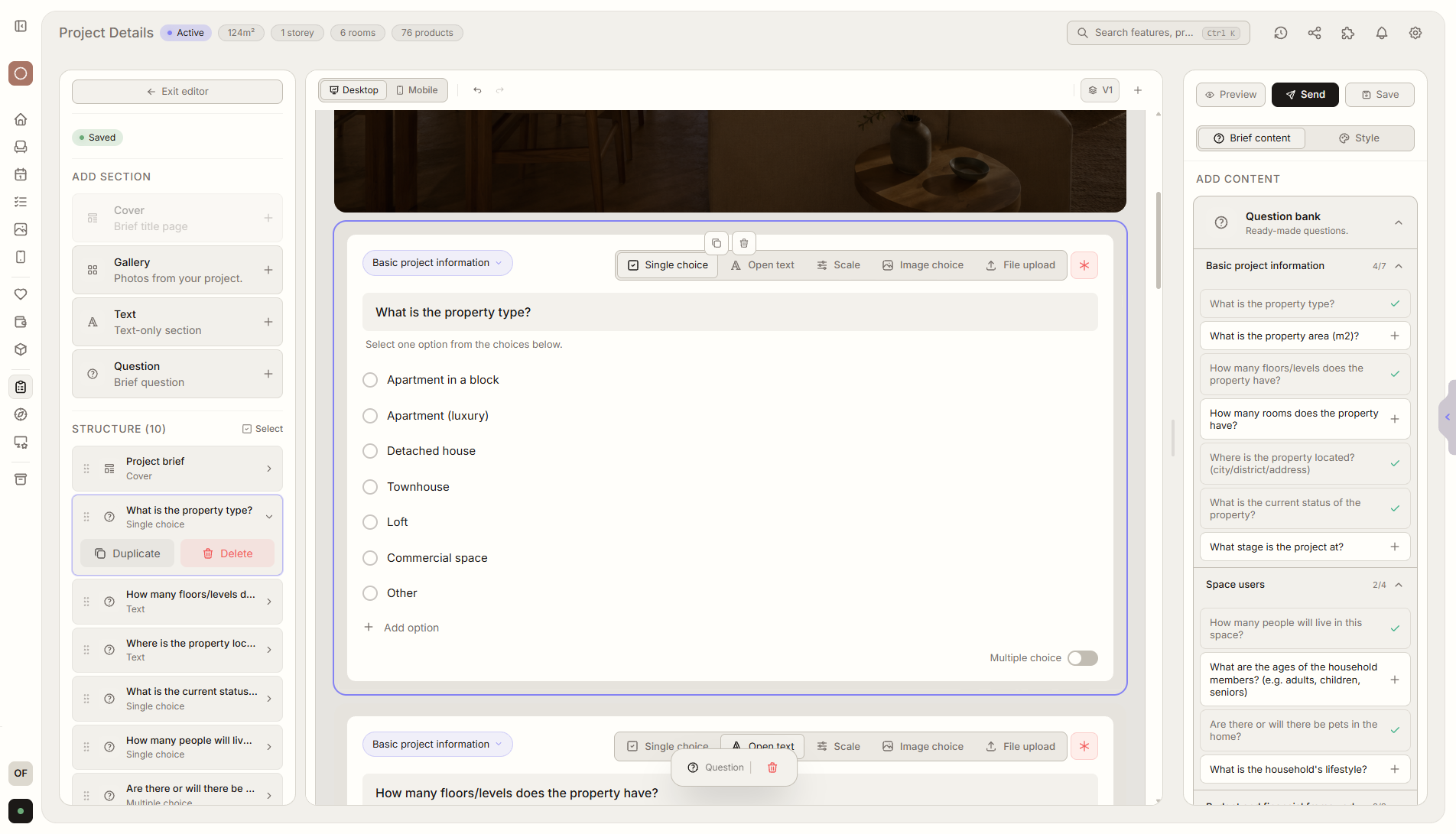
Feature overview
Where this fits in the project
The project details brief collects the most important information about scope, budget, deadlines, priorities, and client expectations. It replaces scattered forms, spreadsheets, and email threads, and you can import an existing brief from Google Forms, Excel, or another file.
Project Details collects the key information before layouts, moodboards, and estimates are created. Scope, budget, deadlines, and priorities are saved in one place.
What it gives you in practice
How it works step by step
You create or import a brief, the client answers through a link, and Liru turns responses into project context.
Create or import a brief
Start from a Liru template or import an existing form, spreadsheet, or file.
Collect project details
Ask about scope, budget, deadlines, priorities, and expectations.
Liru organizes responses
Answers become structured project requirements and next steps.
Reuse the template
Saved brief templates help you understand a new client without starting from scratch.
How to use it in Liru
The project details brief collects the most important information before design work starts: scope, budget, deadlines, priorities, constraints, decision makers, and client expectations.
You can create it from a Liru template, build your own questionnaire, or import an existing brief from Google Forms, Excel, or another file so you do not rebuild everything from scratch.
The client answers through one link in the portal, with no account or extra tools. Liru saves the answers inside the project, organizes them into requirements, and can use them as context for notes, priorities, and tasks.
Once created, the brief can be saved as a template. In the next similar project, you load it, adjust what changed, and start collecting requirements immediately.
Related features
These modules usually work together when you run a real project from brief to approval.
Collect project requirements without chaos.
Choose a plan and start running your project in Liru.
Sign up