Product Wishlist for interior designers
Reusable product bases for future shopping lists.
Sign up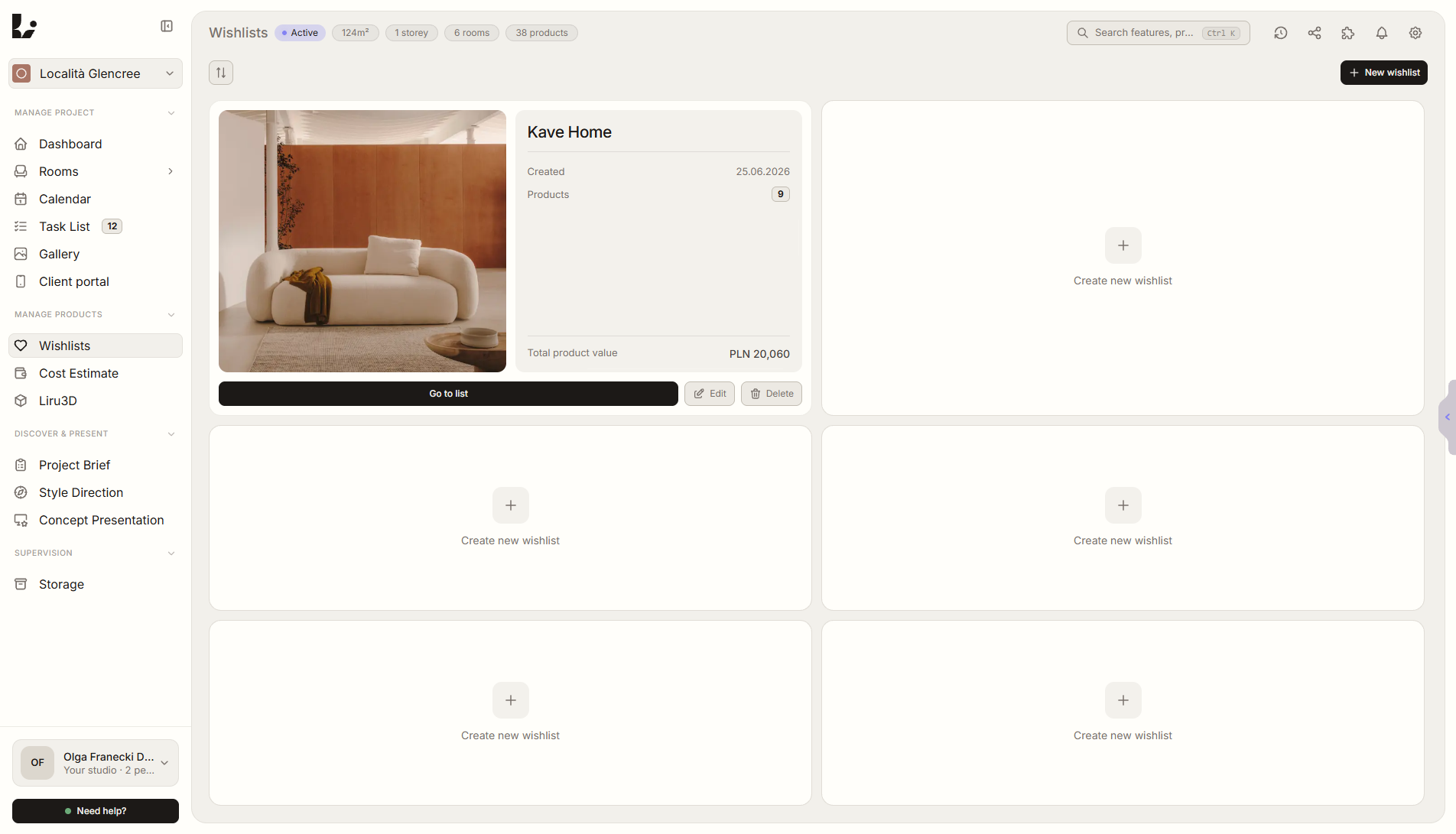
Feature overview
Where this fits in the project
A wishlist is where you collect products from different stores through the Chrome extension and build ready bases for future shopping lists. When a new project starts, you can create a shopping list from an existing wishlist with one click - especially useful for recurring styles, room types, or proven product sets.
Product Wishlist works like a studio product knowledge base. You collect proven items outside a single project, then quickly turn them into a shopping list for a similar brief.
What it gives you in practice
How it works step by step
During research, you save products into a reusable base, group them by style or room, and return to them on the next project.
Collect products
Use the Chrome extension and save products to a wishlist during research.
Build style bases
Create wishlists for specific styles, rooms, budgets, or favorite product sets.
Reuse in a new project
When a similar project starts, choose a ready wishlist instead of researching everything again.
Create the shopping list
Turn the existing wishlist into the project's shopping list with one click.
How to use it in Liru
A wishlist works as your studio's product knowledge base. You collect everything through the Chrome extension during everyday research: furniture, lighting, materials, decor, links, prices, and images. You do not need an active project to build a useful product base.
You can create wishlists for specific styles, room types, budgets, or proven product sets. When a project arrives in a similar style direction, you do not start from an empty page or repeat the same store research.
When the project starts, choose an existing wishlist and turn it into a project shopping list with one click. Products can then move into rooms, the cost estimate, and the next stages of client work.
Related features
These modules usually work together when you run a real project from brief to approval.
Turn research into a reusable base
Collect products through the extension, save them in wishlists, and reuse them in future projects.
Sign up