Client Decision Reminders for interior designers
Liru pings the client when a decision stays pending too long in the portal.
Sign up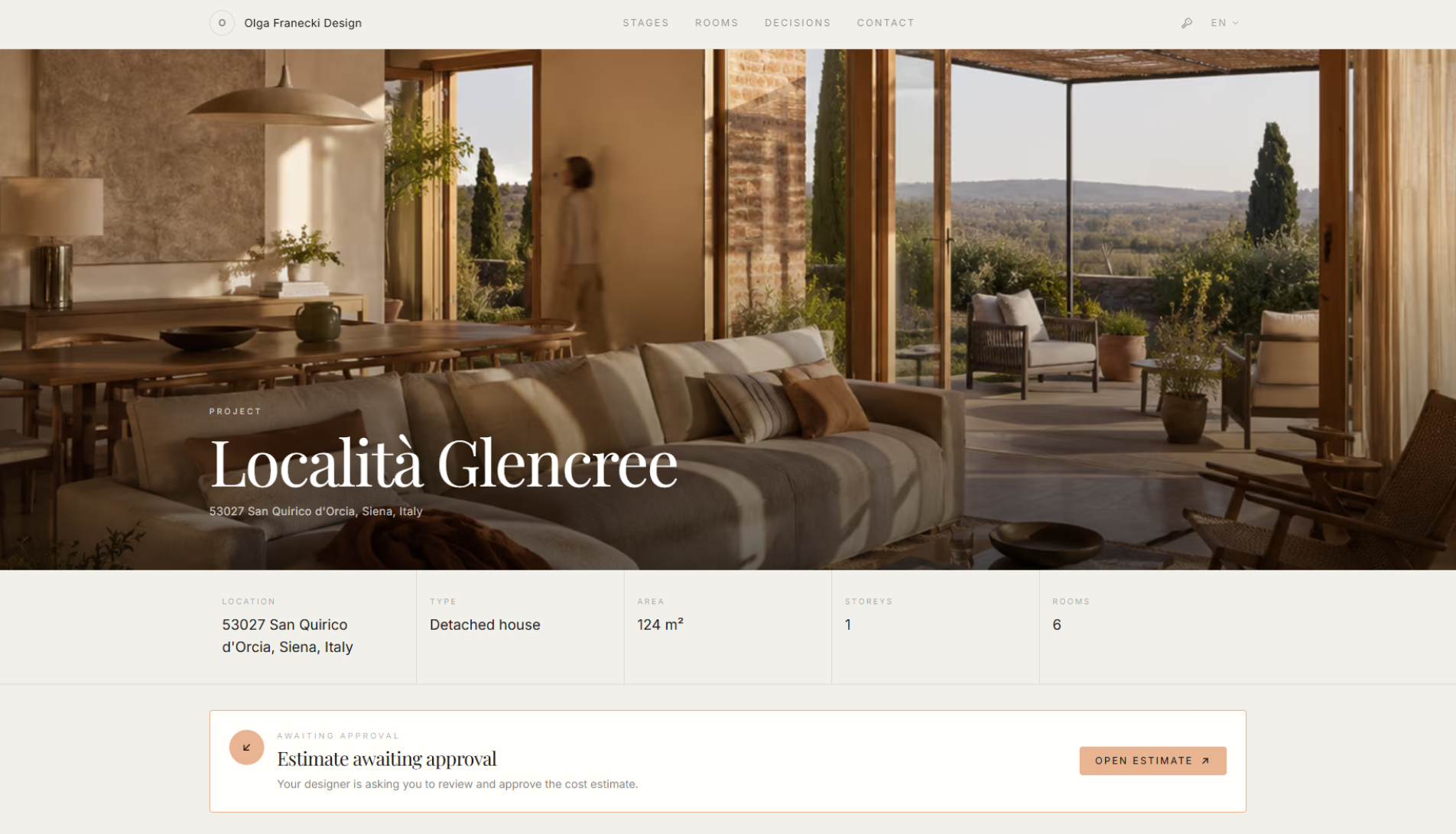
Feature overview
Where this fits in the project
Client Decision Reminders help move the project forward when the client has a pending decision in the portal and does not react for a longer time. Liru can automatically send a reminder that brings the client back to the exact decision.
Client Decision Reminders help when the project is stuck because the client has not decided. Liru brings them back to the exact item, not to a vague message.
What it gives you in practice
How it works step by step
The system detects a pending decision, sends a reminder, and takes the client directly to the place that needs a response.
A decision waits in the portal
A product, variant, presentation, or budget item needs the client's approval.
Liru detects the delay
If the client does not react for a longer time, the decision is marked as pending.
The client gets a reminder
Liru sends a notification that pings the client and brings them to the right place.
The project moves forward
You do not have to manually track every decision or send another reminder message.
How to use it in Liru
Client Decision Reminders work with decisions the client needs to make in the portal. When a product, variant, presentation, or budget item waits too long for a reaction, Liru can send the client a reminder notification.
The reminder is not a disconnected message. It brings the client back to the exact place in the portal where they can choose, approve, comment, or reject the item.
This means the designer does not have to manually chase every delayed decision, and the client receives a clear nudge when their response is blocking the next project stage.
Related features
These modules usually work together when you run a real project from brief to approval.
Stop chasing every delayed client decision by hand.
Choose a plan and start running your project in Liru.
Sign up