Project Sharing in Pro for interior designers
Two Pro designers can share a project without a Studio account.
Sign up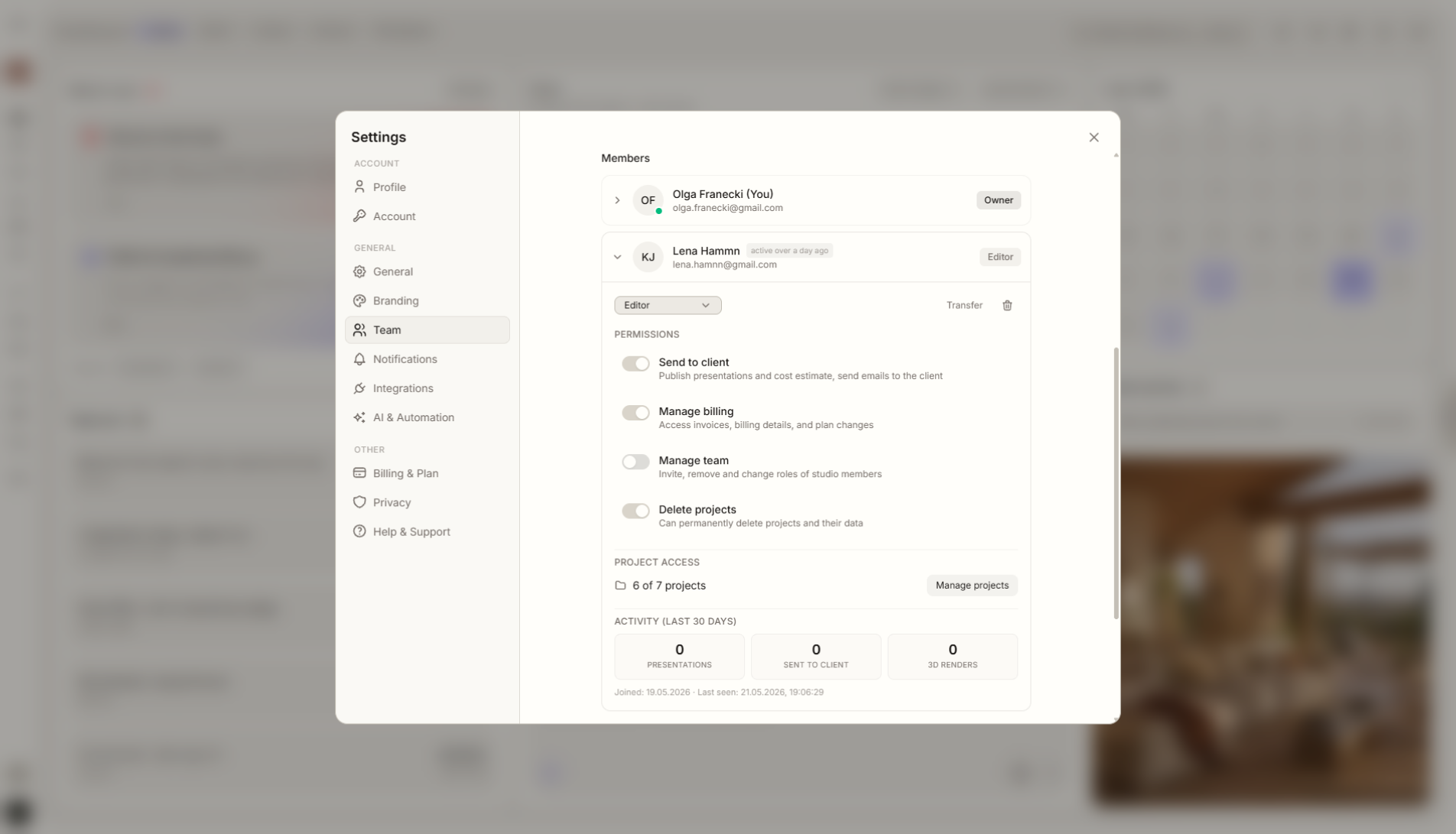
Feature overview
Where this fits in the project
In Pro, you can share projects with other Pro users. This means two designers do not need a Studio account if both have Pro and want to collaborate on a selected project.
Project Sharing in Pro is for lightweight collaboration between two designers. It does not require a full Studio account when the need is one selected project, substitution, or one-off support.
What it gives you in practice
How it works step by step
You choose a project, invite another Pro user, and control who has access to that specific work scope.
Choose a project
Open the project you want to share.
Invite a Pro user
Share the project with another designer who also has Pro.
Work together
Both designers can work around the same project context.
Keep Studio for teams
Choose Studio when you need a permanent shared workspace for several people.
Related features
These modules usually work together when you run a real project from brief to approval.
Collaborate on a project with another Pro account.
Choose a plan and start running your project in Liru.
Sign up