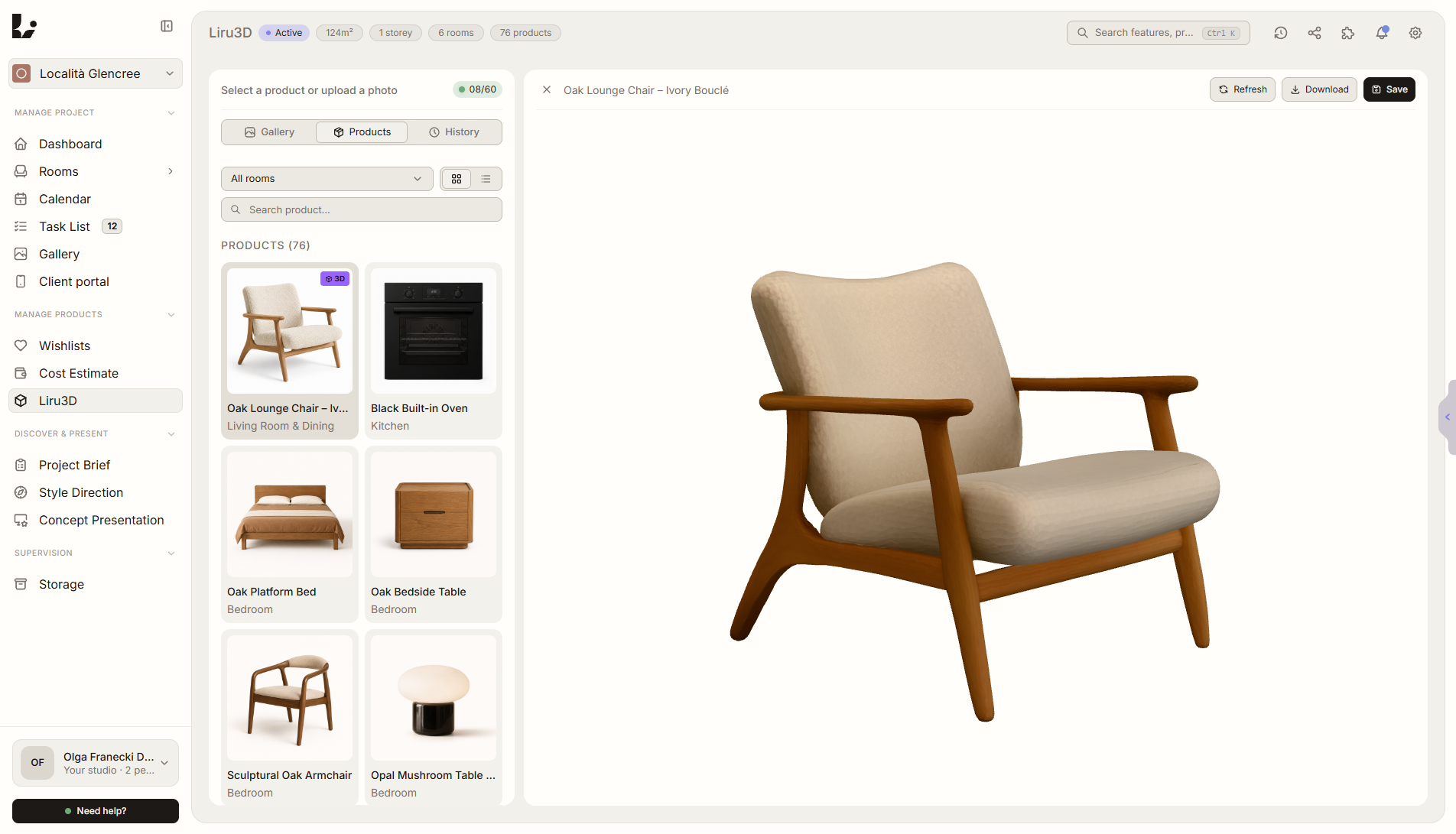
Feature overview
Where this fits in the project
The product doesn’t have a 3D model? Upload a photo - Liru generates a realistic model ready for visualization. No manual modeling, no waiting for a 3D artist.
Liru3D shortens the path from a product photo to an asset you can use in a visualization. It supports presentations and concept work without manually modeling every item.
What it gives you in practice
How it works step by step
You upload a photo, generate the model, review the result, and use it later in a visualization or product presentation.
Upload a product photo
A single photo is enough.
Liru generates a 3D model
Realistic, with accurate proportions and textures.
Preview and edit
Check the model, adjust if needed.
Ready for visualization
Use in a presentation or share with the client in the portal.
Related features
These modules usually work together when you run a real project from brief to approval.
Stop waiting for models. Generate them yourself.
Choose a plan and start running your project in Liru.
Sign up