Tools
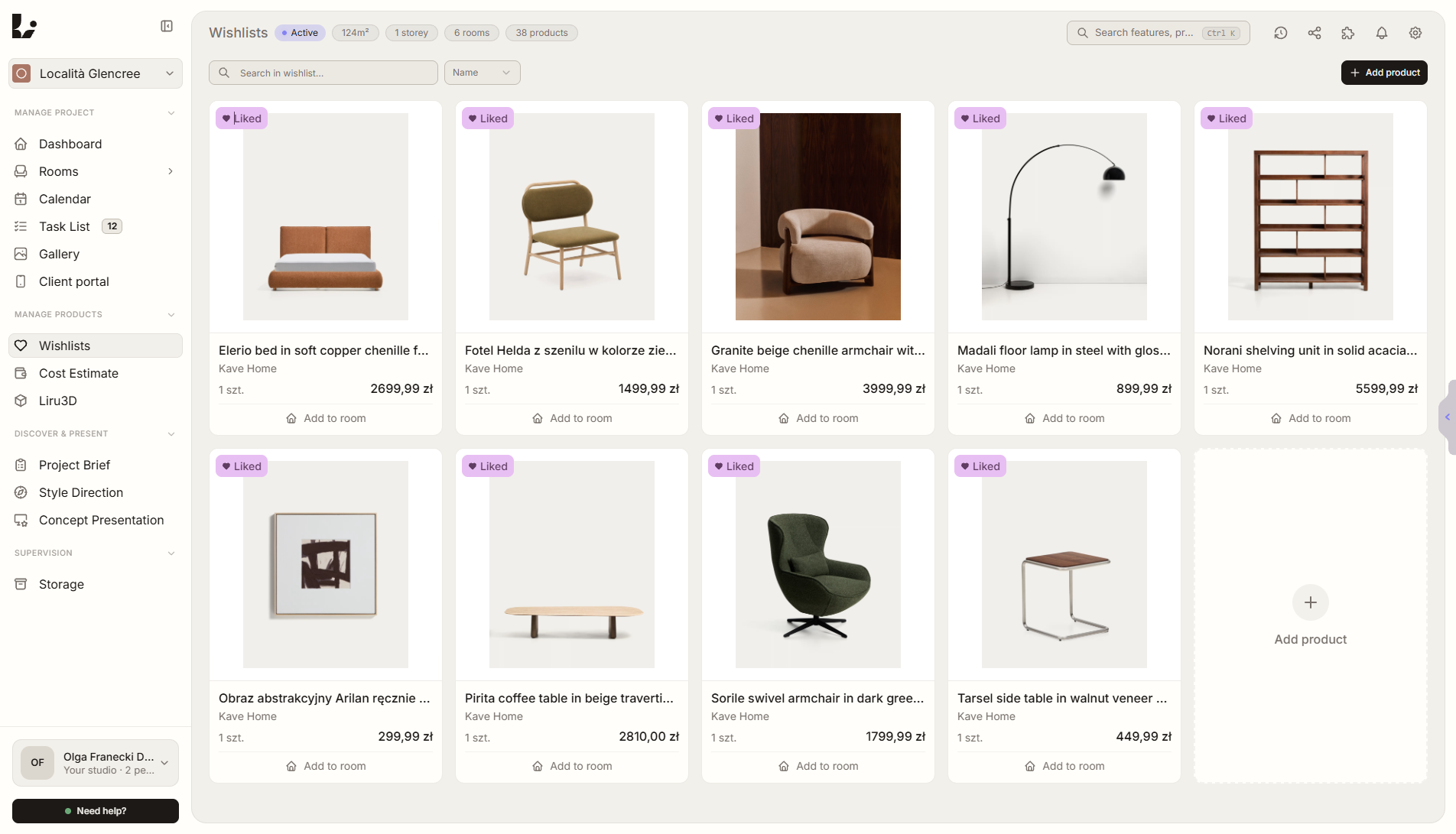
How to Add Products From Any Shop Without Copying Images, Prices, and Links
How product sourcing changes when the extension captures product data directly into the project.
How product sourcing changes when the extension captures product data directly into the project.
Interior design work is made of many small decisions. A client chooses a variant, comments on a product, accepts a room direction, changes a budget assumption, or asks for a different supplier. Each of those moments matters because it changes what the designer should do next.
The problem starts when those decisions live outside the project. A message in an inbox, a note from a call, or a comment in a PDF may be clear on the day it appears. Two weeks later it is much harder to know which room, product, version, and budget it referred to.
What has to stay clear
- What designers copy manually today.
- How the extension captures product data.
- Where products can land inside the project.
- How product data later supports budget and presentations.
These points should not be reconstructed from memory. They should be part of the project record, visible next to the material, product, presentation, room, and budget affected by the choice.
A better workflow
The decision should be made where the context already exists. If the client is comparing products, the choice should stay attached to the products. If they are reviewing a room, the comment should stay attached to that room. If the decision changes the budget, the budget should update from the same source instead of becoming a separate manual task.
This gives the designer a cleaner workflow. There is less searching through messages, fewer unclear approvals, and fewer moments where someone has to ask, "which option did we mean?"
How Liru supports it
Liru keeps the project, products, client decisions, budget, and next steps in one workspace. The client reviews the project in context, and every choice can be connected to the element it concerns. The designer sees what was accepted, what still needs a decision, and what should happen next.
See how product capture works in Liru.
Ready to try a better workflow?
Sign up