// workflow
How to Present Interior Design Concepts That Get Approved

The approval bottleneck
You've spent weeks developing a concept. You send it over email – a PDF with mood images, material samples, and furniture selections. Then silence. Three days later, a vague reply: "It looks nice, but I'm not sure about the living room."
This isn't your client's fault. PDFs are passive. They don't guide decisions. They present everything at once and hope for the best.
Structure drives decisions
The most effective concept presentations follow a simple principle: **one decision at a time.** Instead of overwhelming clients with a 40-page PDF, break your presentation into sections that each require a specific action:
Room by room
Don't present the entire home at once. Walk your client through each space individually. This reduces cognitive load and produces clearer feedback.
Options, not open questions
"Which sofa do you prefer: A or B?" gets a faster response than "What do you think about the living room furniture?" Give your clients clear choices with visual comparisons.
Context for every decision
Every selection should show:
• What it looks like in the space (render or moodboard)
• What it costs (or at least the budget impact)
• Why you're recommending it (a brief design rationale)
Interactive > static
The biggest shift in modern client presentations is moving from static PDFs to interactive experiences. When clients can:
• Click through rooms at their own pace
• Approve or reject individual elements
• Leave comments on specific items
• See budget updates in real-time
...you get decisions instead of meetings.
Timing matters
Send your presentation at the right time:
**Tuesday through Thursday** – avoid Monday chaos and Friday checkout
**Morning, not evening** – decisions made at 10am are better than decisions made at 10pm
**Set a deadline** – "Please review by Friday" creates accountability without pressure
The follow-up system
Even with a perfect presentation, some clients need a nudge. Build a follow-up system:
1. Send the presentation with a brief overview message
2. Wait 48 hours
3. Send a focused reminder highlighting the key decisions needed
4. If no response after 5 days, schedule a 15-minute call
Making it work
The tool you use matters less than the structure you follow. But tools that enforce structure – that break presentations into reviewable sections, track approvals, and connect decisions to budgets – will naturally produce better outcomes than a PDF and a prayer.
How Liru makes this effortless
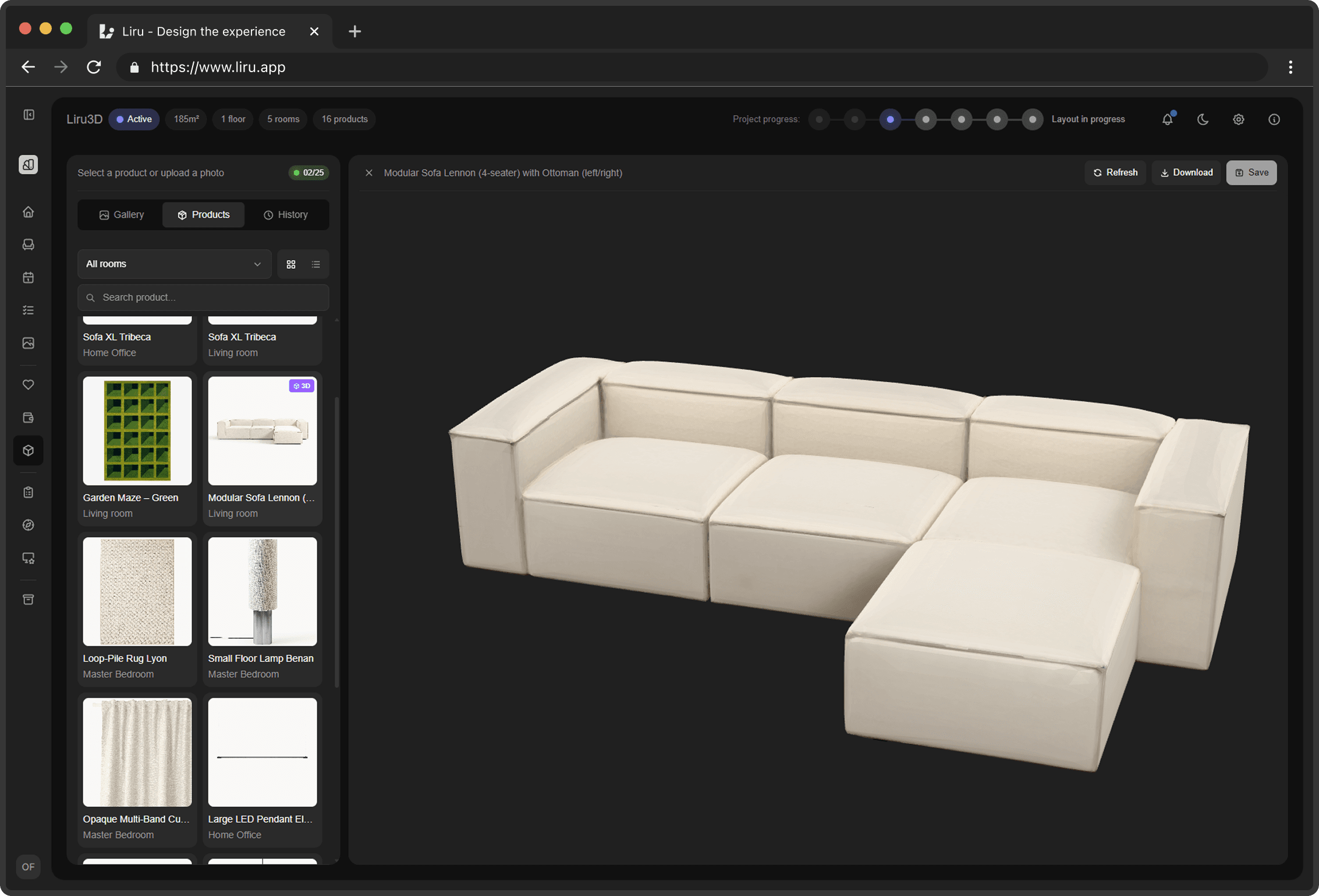
Liru's presentation editor was designed around the principles in this article. You build presentations using a block-based editor -- add images, text, product selections, and moodboard sections as individual blocks that clients review one at a time. Instead of sending a monolithic PDF and hoping for the best, you create a guided experience where each element can be individually approved, rejected, or commented on.
The per-element approval system changes how clients interact with your concepts. Rather than vague feedback like "I'm not sure about the living room," you get specific signals: this sofa is approved, this coffee table needs discussion, this rug is rejected. Every approval connects directly to the live budget, so both you and the client can see in real-time how each decision affects the total. No manual spreadsheet updates, no mismatched numbers.
Presentations are shared through the client portal -- a PIN-protected link, no account needed. Clients review at their own pace, and you see exactly which elements are pending, approved, or need attention. If you're tired of chasing replies on PDFs, sign up for Liru's early access and try a better way to present.
Ready to try a better workflow?
Join early access