Partage de projets en Pro pour architectes d’intérieur
Deux designers en Pro peuvent partager un projet sans compte Studio.
Sign up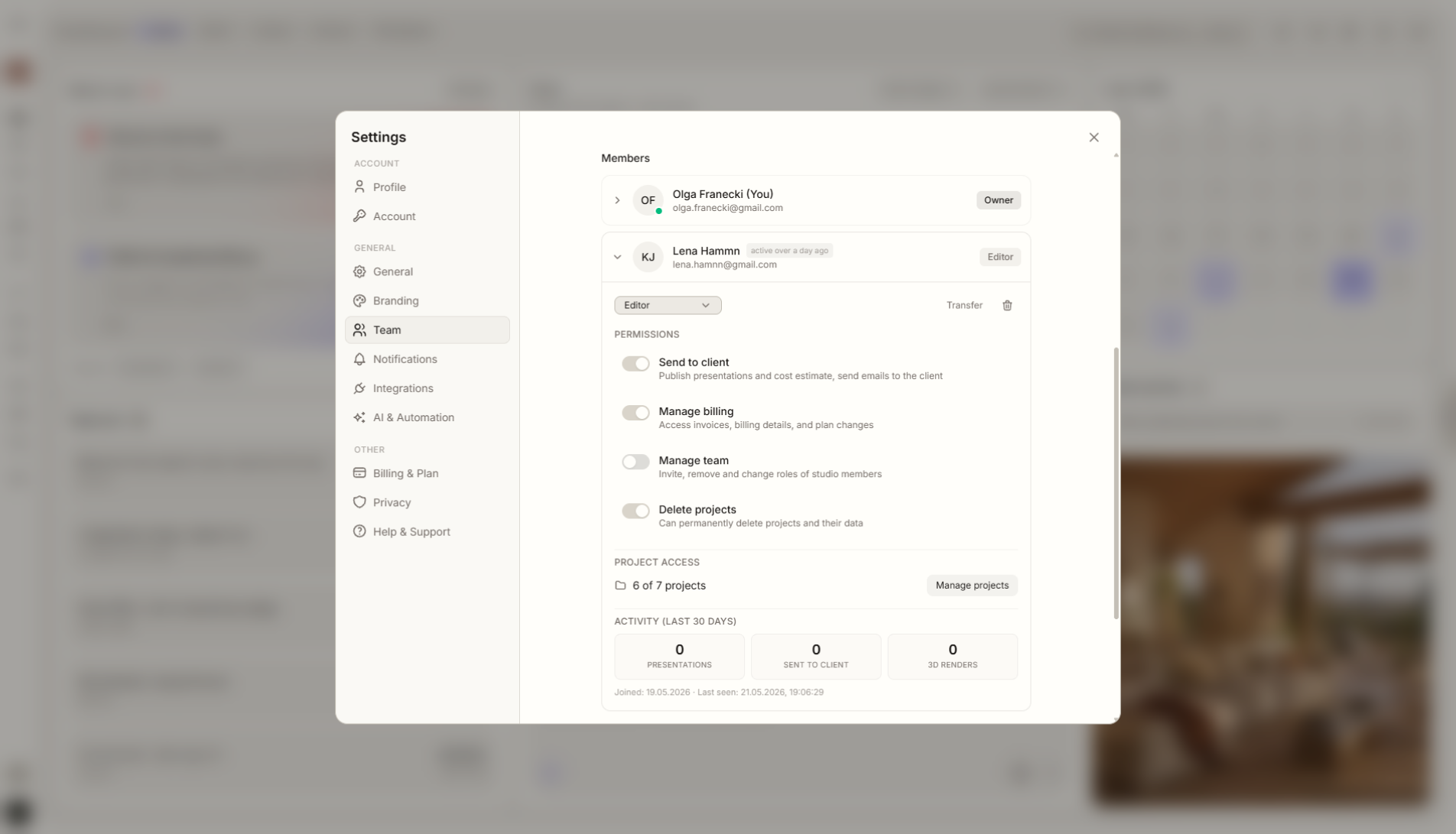
Aperçu de la fonctionnalité
Où elle intervient dans le projet
Partage un projet avec un autre utilisateur Pro sans passer à Studio.
Liru relie cette fonctionnalité au reste du workflow: portail client, pièces, décisions, produits, budget et prochaine étape du projet.
Ce que cela apporte en pratique
Comment cela fonctionne, étape par étape
Deux designers en Pro peuvent partager un projet sans compte Studio.
Choose a project
Open the project you want to share.
Invite a Pro user
Share the project with another designer who also has Pro.
Work together
Both designers can work around the same project context.
Keep Studio for teams
Choose Studio when you need a permanent shared workspace for several people.
Fonctionnalités liées
Ces modules fonctionnent généralement ensemble dans un projet réel, du brief à l'approbation.
Fonction Studio
Coordination et collaboration projet au sein du studio.
Voir la fonctionnalitéHistorique des décisions
Chaque validation, changement et commentaire enregistrés avec date et contexte.
Voir la fonctionnalitéPortail client
Un endroit où le client voit tout le projet et prend ses décisions. Sans connexion.
Voir la fonctionnalitéCollaborate on a project with another Pro account.
Choose a plan and start running your project in Liru.
Sign up