Plan fonctionnel pour architectes d’intérieur
Plans avec description, avantages et limites de chaque variante.
Sign up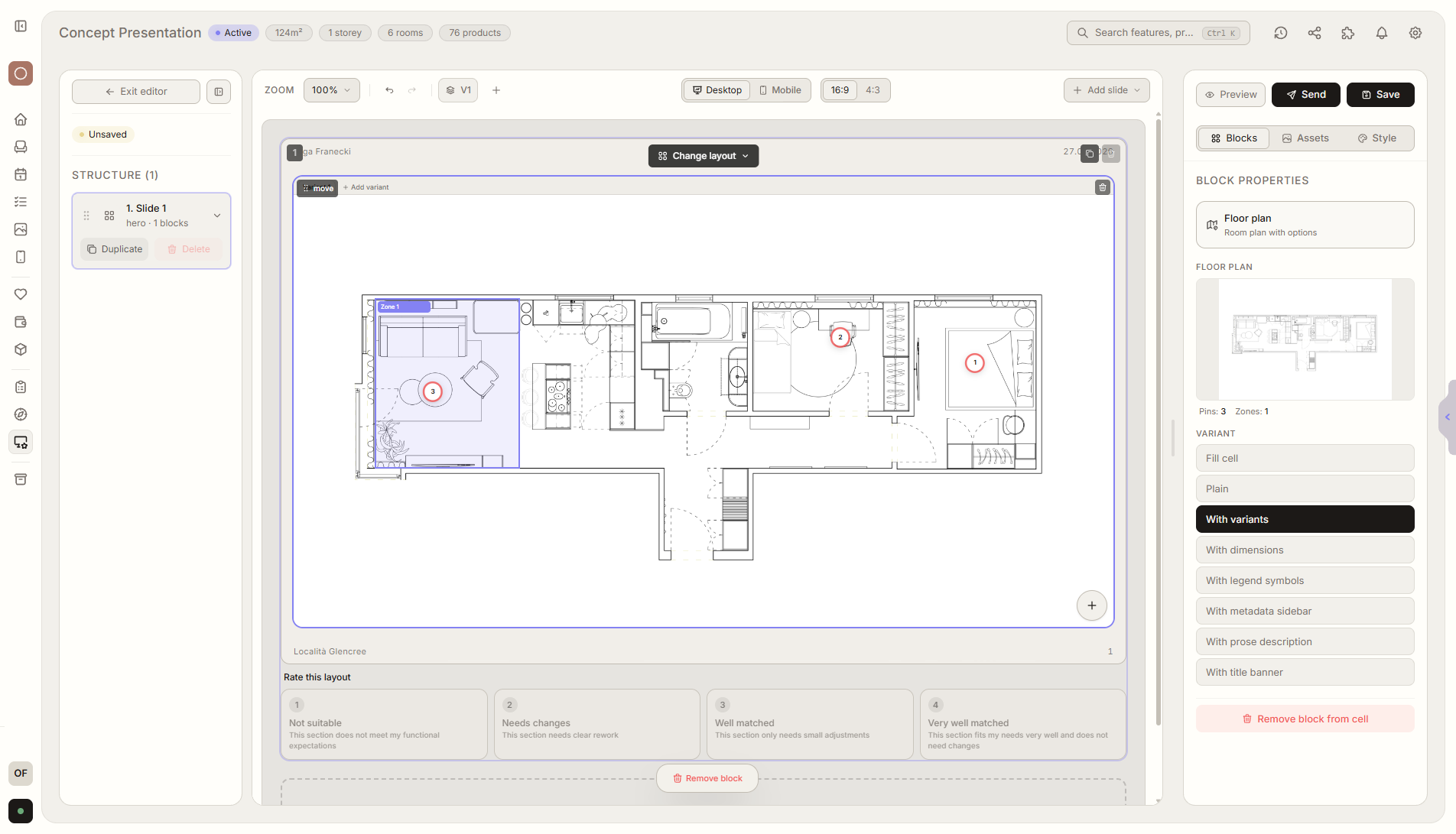
Aperçu de la fonctionnalité
Où elle intervient dans le projet
Présente plusieurs variantes avec description, avantages et limites. Le client commente et choisit la direction.
Liru relie cette fonctionnalité au reste du workflow: portail client, pièces, décisions, produits, budget et prochaine étape du projet.
Ce que cela apporte en pratique
Comment cela fonctionne, étape par étape
Plans avec description, avantages et limites de chaque variante.
Add layout variants
Upload functional layouts or room plans.
Describe strengths and limits
Explain what each variant gives and what trade-offs it has.
Client evaluates
They choose a direction, comment, and compare variants.
Save as a template
Future projects can start from a ready structure for variants, descriptions, and evaluation.
Fonctionnalités liées
Ces modules fonctionnent généralement ensemble dans un projet réel, du brief à l'approbation.
Présentation des visualisations
Visualisations prêtes des pièces, que le client valide ou commente.
Voir la fonctionnalitéPrésentation des produits
Variantes de meubles et de produits que le client choisit et valide.
Voir la fonctionnalitéHistorique des décisions
Chaque validation, changement et commentaire enregistrés avec date et contexte.
Voir la fonctionnalitéShow layouts so the client can truly choose.
Choose a plan and start running your project in Liru.
Sign up