LiruSwipe para interioristas
Una forma rápida de descubrir las preferencias de estilo del cliente.
Sign up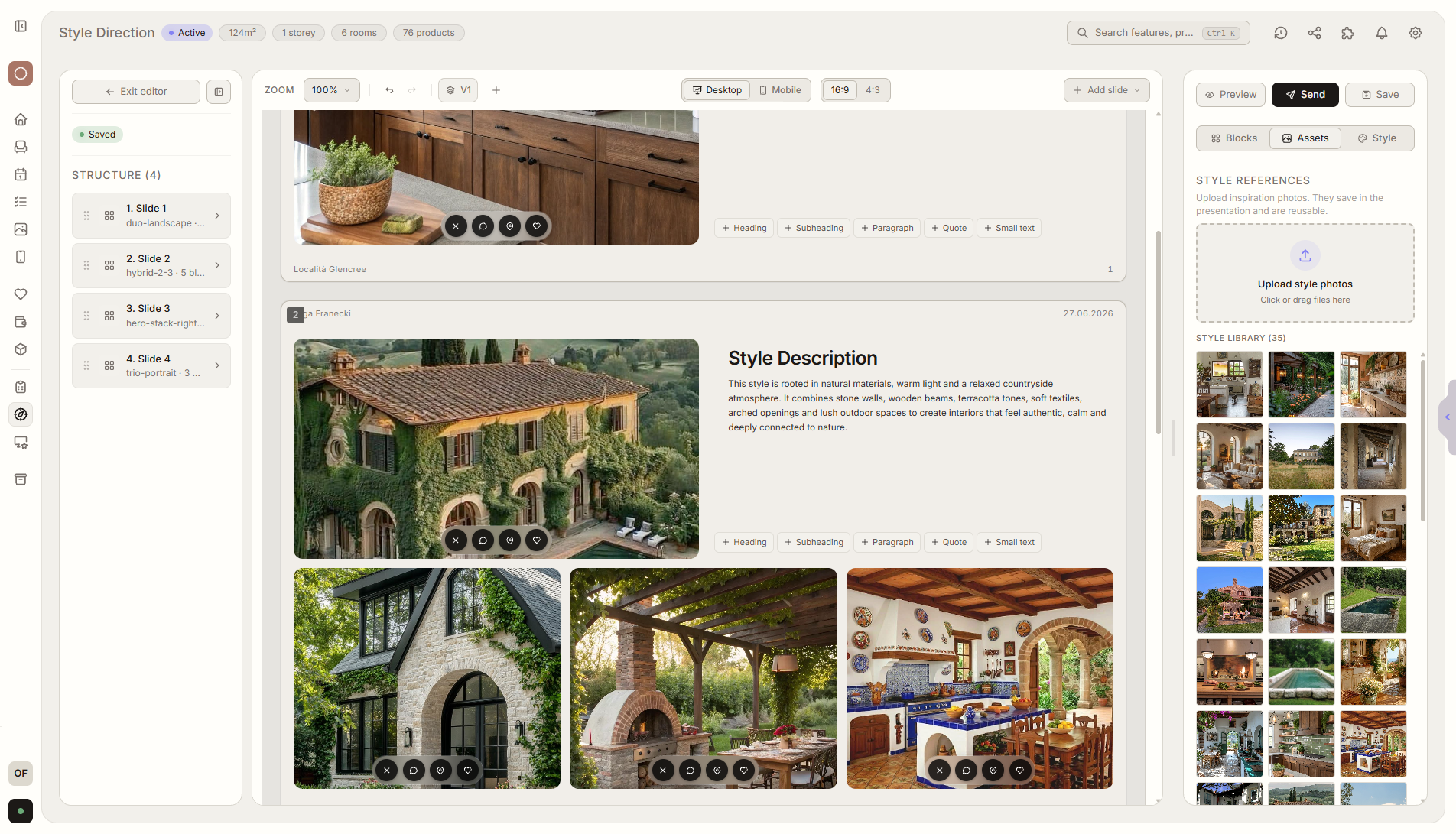
Resumen de función
Dónde encaja en el proyecto
El diseñador sube tarjetas con productos, materiales o estilos, y el cliente desliza lo que le gusta o rechaza.
Liru conecta esta función con el resto del flujo de trabajo: portal del cliente, habitaciones, decisiones, productos, presupuesto y siguiente etapa.
Qué aporta en la práctica
Cómo funciona paso a paso
Una forma rápida de descubrir las preferencias de estilo del cliente.
Create a session
Upload cards with furniture, materials, inspiration images, or styles.
Share in the portal
Your client opens LiruSwipe in the portal, with no app install.
Client swipes
Right means yes, left means no. Decisions take a few minutes.
Use the session as a template
With the next client, you start from a ready card structure and save time.
Funciones relacionadas
Estos módulos suelen trabajar juntos cuando llevas un proyecto real desde el brief hasta la aprobación.
Quiz de estilo
Una revisión interactiva de inspiraciones que revela rápido el estilo preferido.
Ver funciónMoodboard de inspiraciones
Preferencias estéticas asignadas a habitaciones concretas.
Ver funciónPresentación de visualizaciones
Visualizaciones listas de habitaciones que el cliente aprueba o comenta.
Ver funciónLet your client show you what they like - with one gesture.
Choose a plan and start running your project in Liru.
Sign up