Projektbriefing für Innenarchitekten
Projektanforderungen ohne Google Forms oder Tabellen.
Starten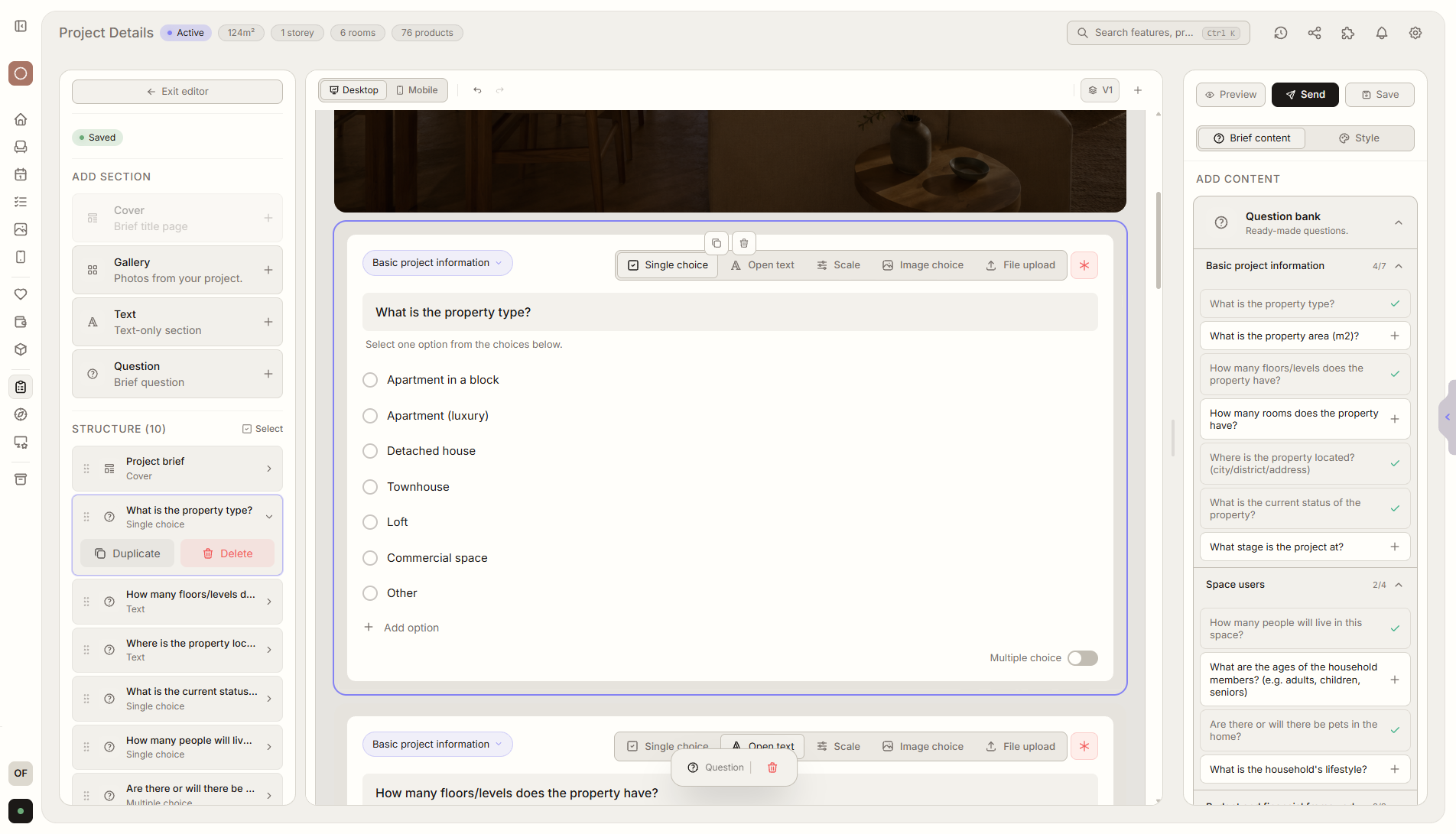
Funktionsüberblick
Wo diese Funktion im Projekt hilft
Das Projektbriefing sammelt die wichtigsten Informationen zu Umfang, Budget, Fristen, Prioritäten und Erwartungen des Kunden. Es ersetzt verstreute Formulare, Tabellen und E-Mail-Verläufe. Ein vorhandenes Briefing aus Google Forms, Excel oder einer anderen Datei kannst du importieren.
Liru verbindet diese Funktion mit dem restlichen Workflow: Kundenportal, Räume, Entscheidungen, Produkte, Budget und nächste Projektphase.
Was du in der Praxis bekommst
So funktioniert es Schritt für Schritt
Projektanforderungen ohne Google Forms oder Tabellen.
Create or import a brief
Start from a Liru template or import an existing form, spreadsheet, or file.
Collect project details
Ask about scope, budget, deadlines, priorities, and expectations.
Liru organizes responses
Answers become structured project requirements and next steps.
Reuse the template
Saved brief templates help you understand a new client without starting from scratch.
So nutzt du es in Liru
The project details brief collects the most important information before design work starts: scope, budget, deadlines, priorities, constraints, decision makers, and client expectations.
You can create it from a Liru template, build your own questionnaire, or import an existing brief from Google Forms, Excel, or another file so you do not rebuild everything from scratch.
The client answers through one link in the portal, with no account or extra tools. Liru saves the answers inside the project, organizes them into requirements, and can use them as context for notes, priorities, and tasks.
Once created, the brief can be saved as a template. In the next similar project, you load it, adjust what changed, and start collecting requirements immediately.
Verwandte Funktionen
Diese Module arbeiten in einem realen Projekt meist zusammen - vom Briefing bis zur Freigabe.