Bestell- und Lieferstatus für Innenarchitekten
Freigegeben, bestellt, geliefert - alles in einer Ansicht.
Liru testen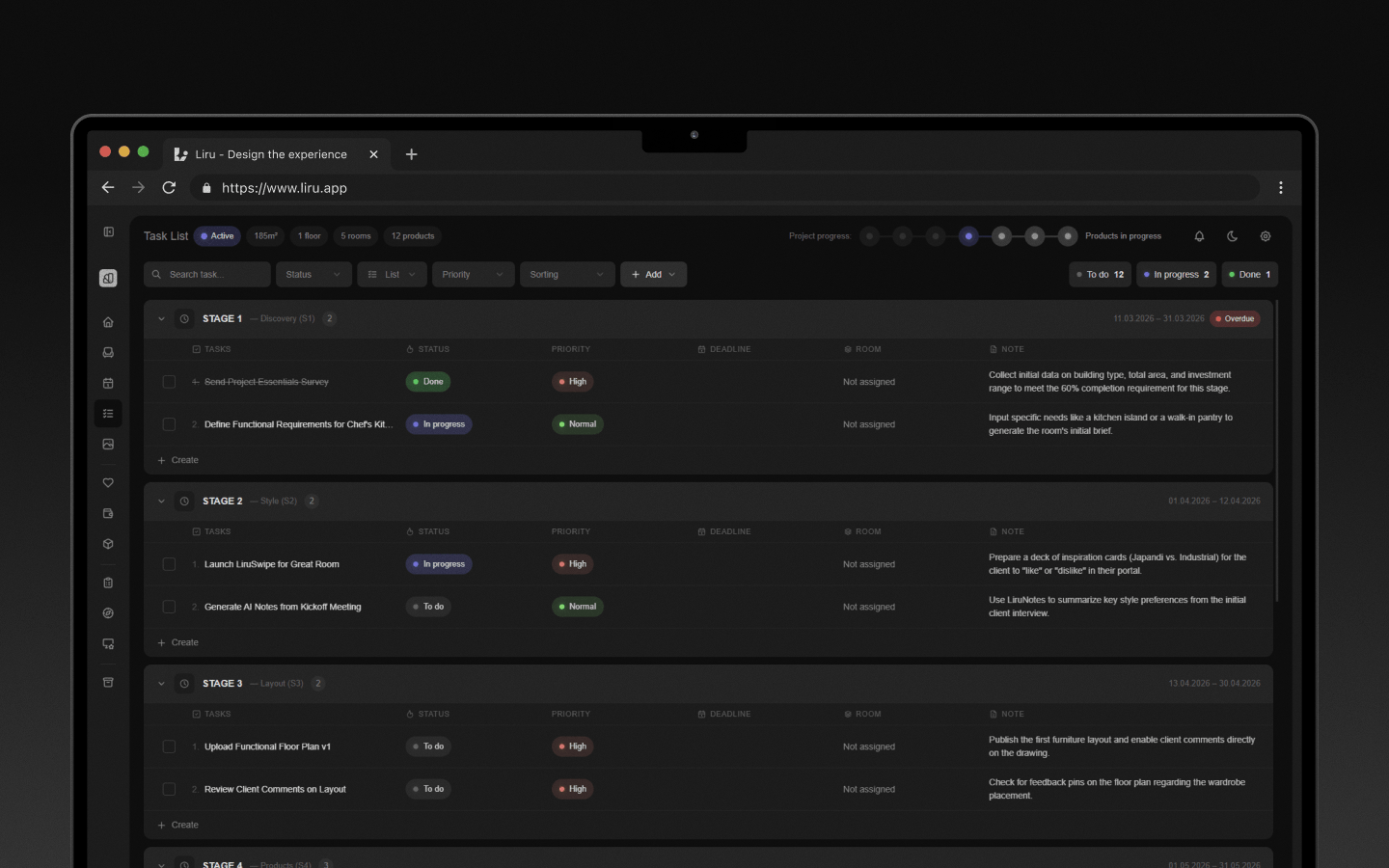
Funktionsüberblick
Wo diese Funktion im Projekt hilft
Order Status keeps the execution stage connected to the accepted cost estimate. After the client approves products and budget lines, you can track what still needs to be ordered, what is already paid, what has been delivered, and which invoices or notes are attached to each item.
Liru verbindet diese Funktion mit dem restlichen Workflow: Kundenportal, Räume, Entscheidungen, Produkte, Budget und nächste Projektphase.
Was du in der Praxis bekommst
So funktioniert es Schritt für Schritt
Freigegeben, bestellt, geliefert - alles in einer Ansicht.
Client approves
Products or budget lines are accepted in the project flow.
You track fulfillment
Update order, payment, delivery, and completion status on the relevant items.
Attach context
Keep invoices, amounts, notes, and purchase context connected to the item.
Close the loop
The execution stage stays tied to the approved budget and decisions.
Verwandte Funktionen
Diese Module arbeiten in einem realen Projekt meist zusammen - vom Briefing bis zur Freigabe.
Bereit für einen besseren Workflow? Bestell- und Lieferstatus?
Wähle einen Plan und starte dein Projekt in Liru.
Liru testen