Moodboard mit Inspirationen für Innenarchitekten
Ästhetische Vorlieben, konkreten Räumen zugeordnet.
Starten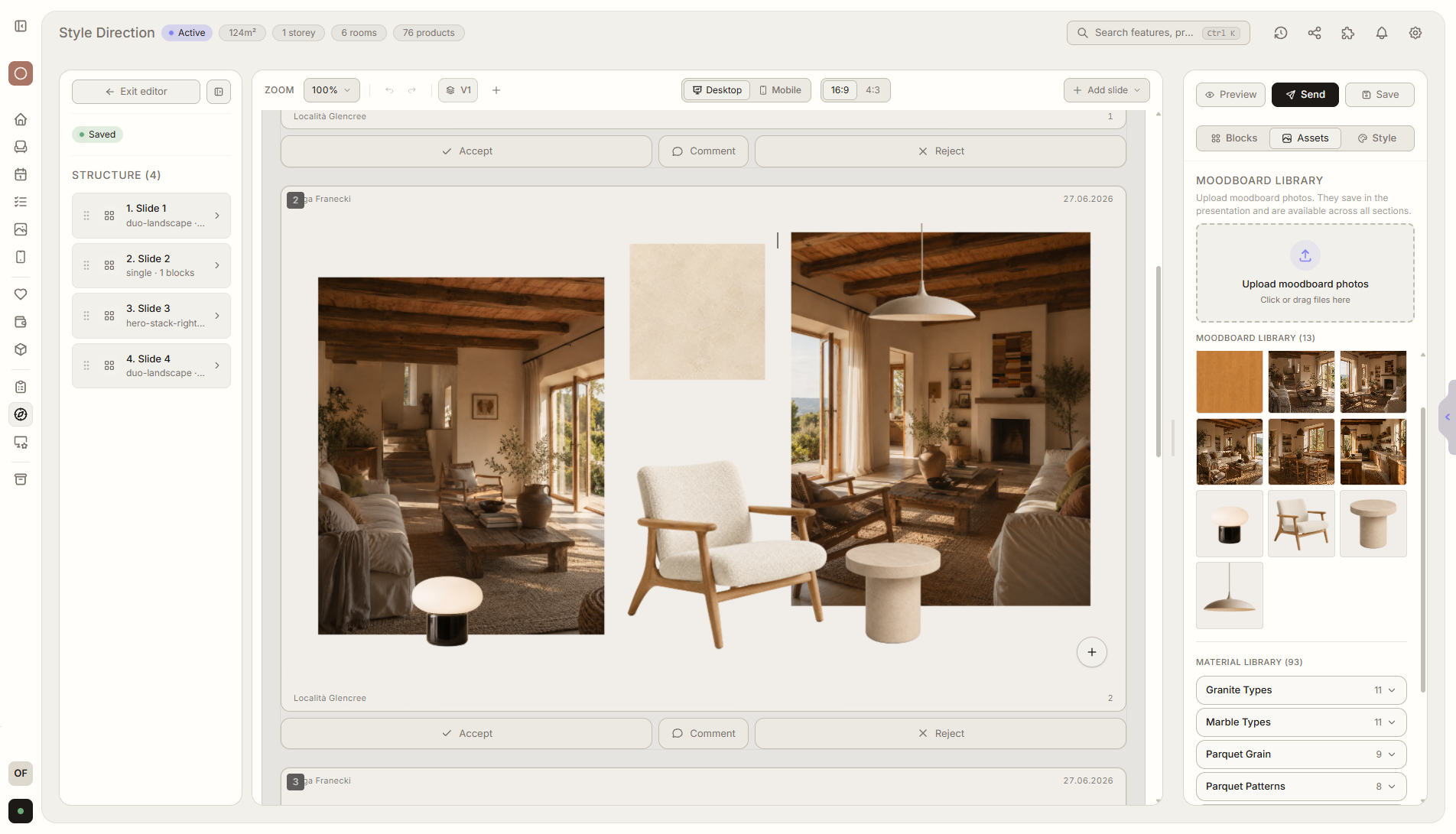
Funktionsüberblick
Wo diese Funktion im Projekt hilft
Das Inspirations-Moodboard hilft dem Kunden, ästhetische Vorlieben für einzelne Räume zu definieren. Jedes Moodboard kann einem Raum zugeordnet werden, damit der Stil von Wohnzimmer, Küche oder Schlafzimmer klar und im Projekt gespeichert ist.
Liru verbindet diese Funktion mit dem restlichen Workflow: Kundenportal, Räume, Entscheidungen, Produkte, Budget und nächste Projektphase.
Was du in der Praxis bekommst
So funktioniert es Schritt für Schritt
Ästhetische Vorlieben, konkreten Räumen zugeordnet.
Create a moodboard
Add photos, products, materials, and colors for a specific room.
Assign it to a room
A moodboard can describe the living room, kitchen, bedroom, or any other space.
Client reacts
They mark favorite inspirations, comment on elements, and show what fits the room.
Reuse the template
A saved moodboard structure saves time with future clients and rooms.
Verwandte Funktionen
Diese Module arbeiten in einem realen Projekt meist zusammen - vom Briefing bis zur Freigabe.
Sammle konkrete Hinweise, keine losen Meinungen.
Wähle einen Plan und starte dein Projekt in Liru.
Starten